
Analog Soul.
Digital Precision.
Professional standalone film conversion for macOS — and soon on Windows. Start with a free trial and bring the full darkroom workflow to your desktop.
Try for freeFollow @emberfilm.app for updates and tutorialsBeauty in Workflow.
Native controls, non-destructive editing, and a darkroom-inspired UI that stays out of your way.
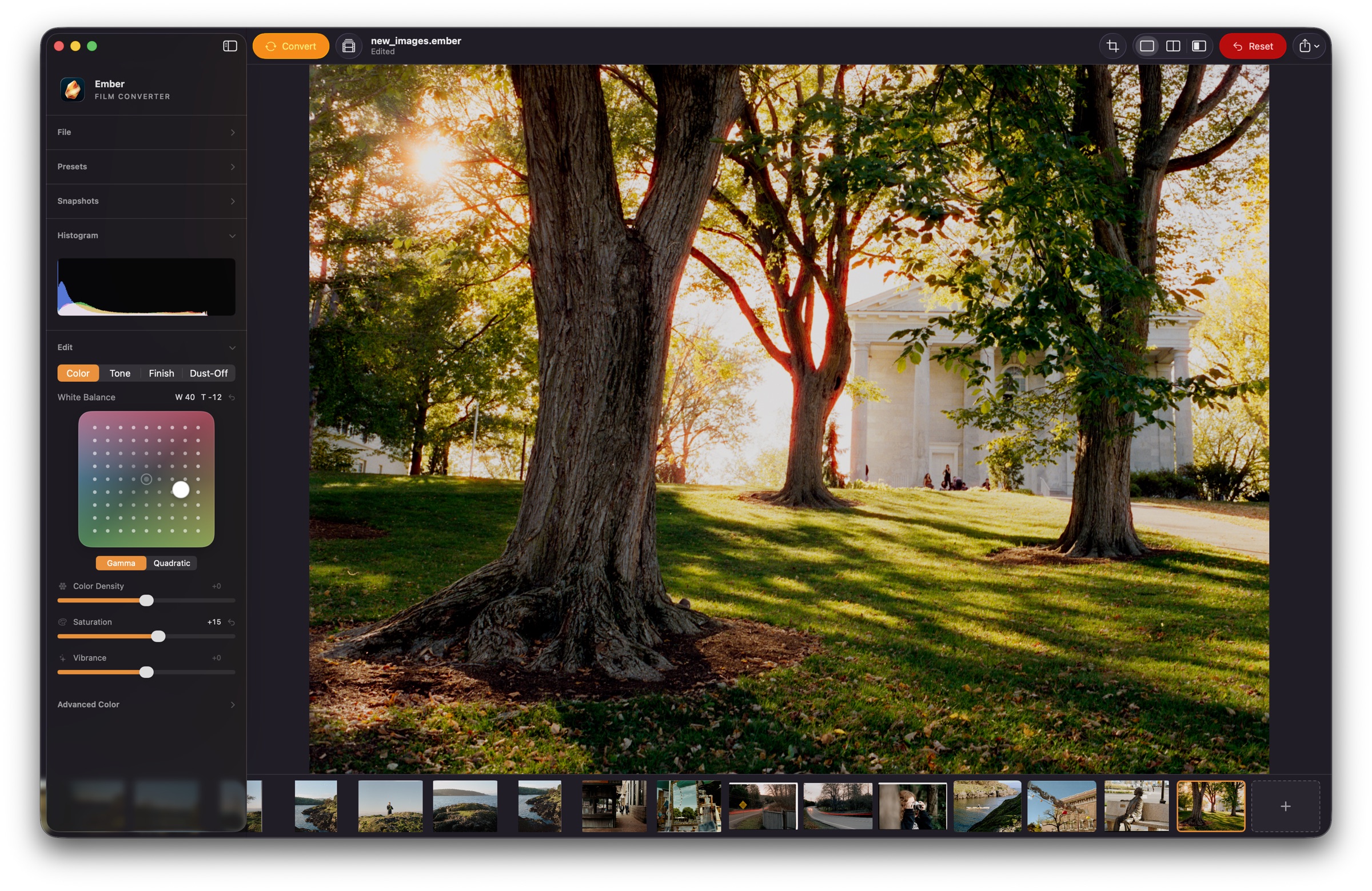
From scan to finished frame.
Watch the editing flow move through conversion, correction, retouching, and final color without leaving the native Mac workspace.
One-Click Negative Conversion
Automatically analyzes each scan to build a film profile, sets tonal endpoints, and applies an auto white-balance baseline so negatives start close instead of flat.
Dust-Off Retouching
Detect dust with an AI model running entirely on your Mac, refine the mask with brush and eraser tools, then inpaint defects while preserving the texture of the edited scan.
Film Density Controls
Dedicated film, highlight, and shadow density sliders shape negatives like photographic material, moving beyond generic brightness and contrast edits.
Targeted Color Neutralization
Correct color casts by clicking into shadows, midtones, or skin tones, with manual red/cyan, green/magenta, and blue/yellow control when needed.
Professional Adjustments
Fine-tune your scans with high-precision curves, tonal tools, HSL controls, and tactical sharpening for total creative authority.
Print Looks & Custom LUTs
Apply built-in Frontier, Noritsu, and Kodak print looks, or import standard .cube LUTs with adjustable intensity to finalize your film's aesthetic character.
Roll Analysis
Processes an entire roll as a unified set. Normalize exposure and color drift across frames for a consistent visual narrative.
Wide-Gamut Metal Pipeline
A professional-grade ProPhoto/ROMM color-managed architecture ensures your conversions stay within a massive, high-fidelity color space.
Professional Batch Export
Process entire rolls with 8/16-bit TIFF or JPEG output, adjustable quality, and embedded ICC color profiles for gallery-ready results.
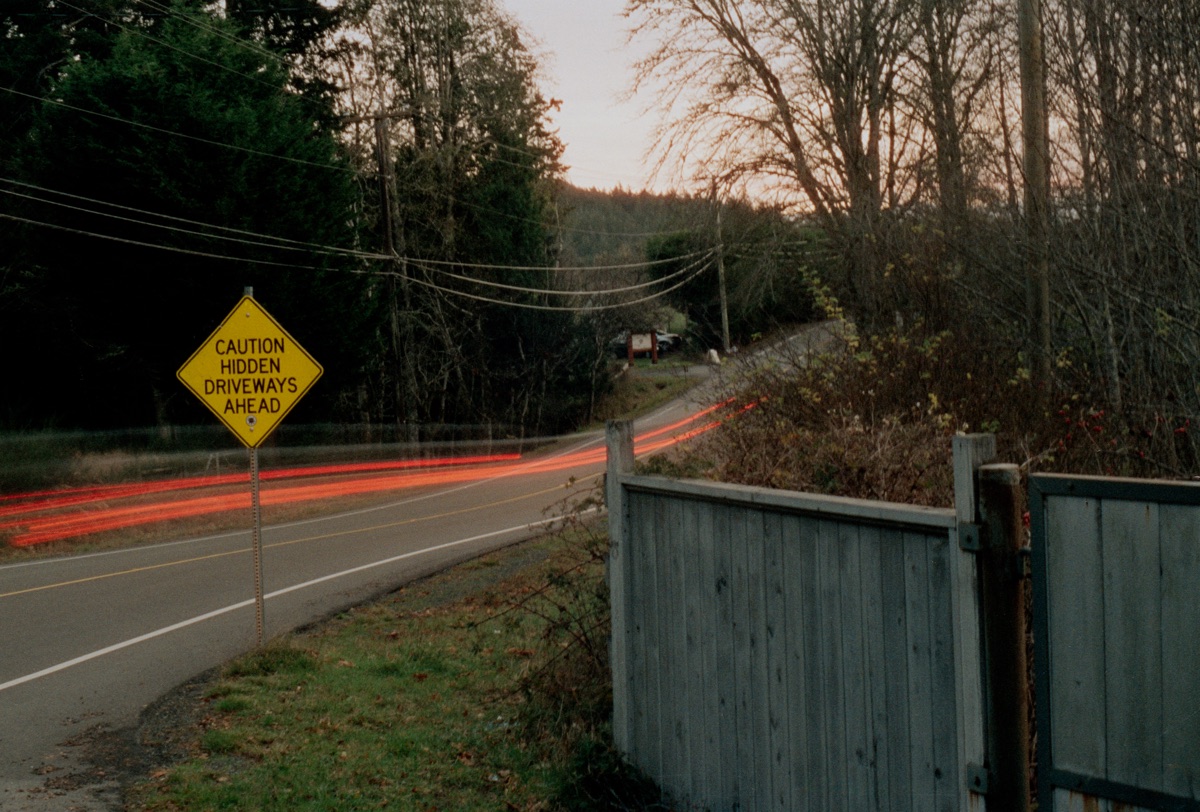
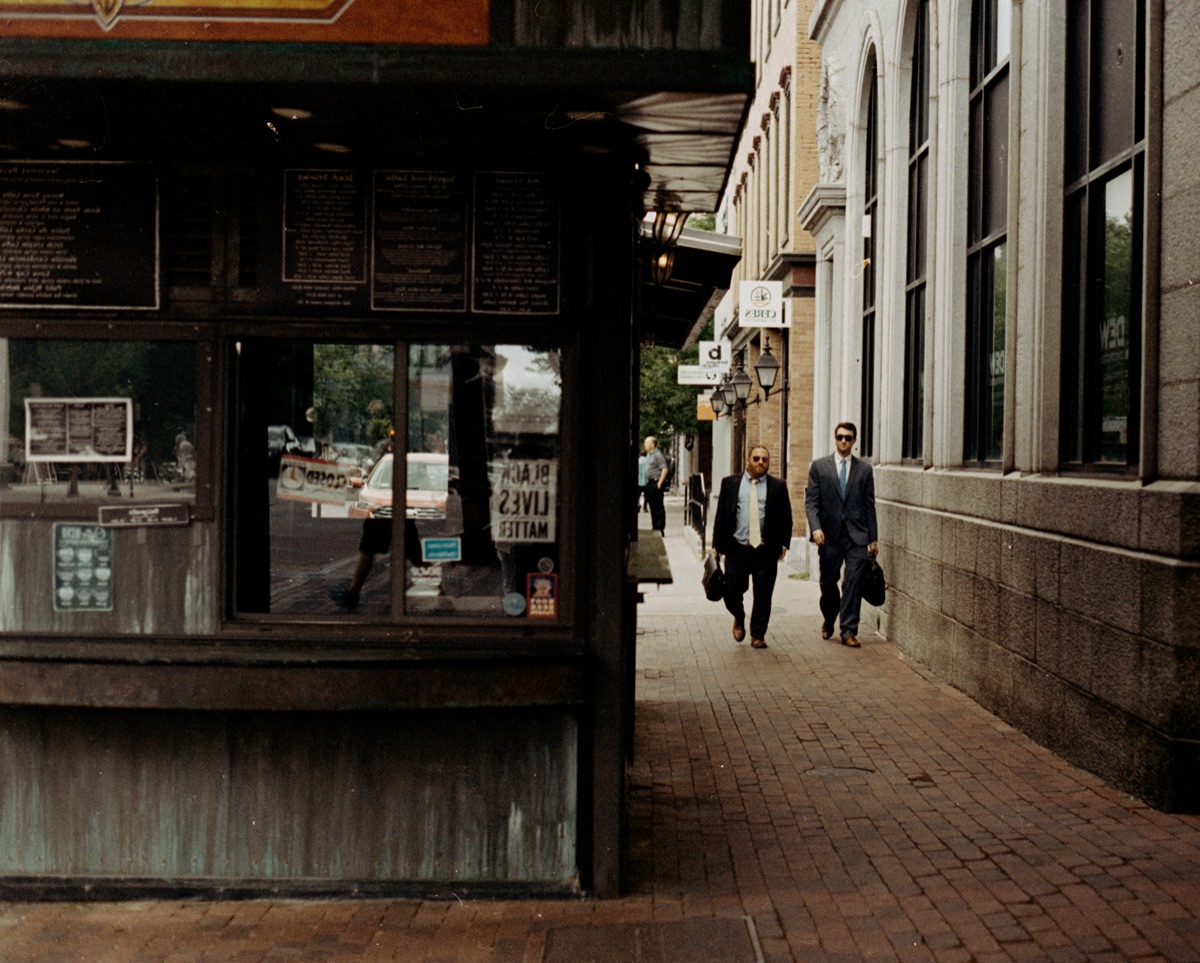
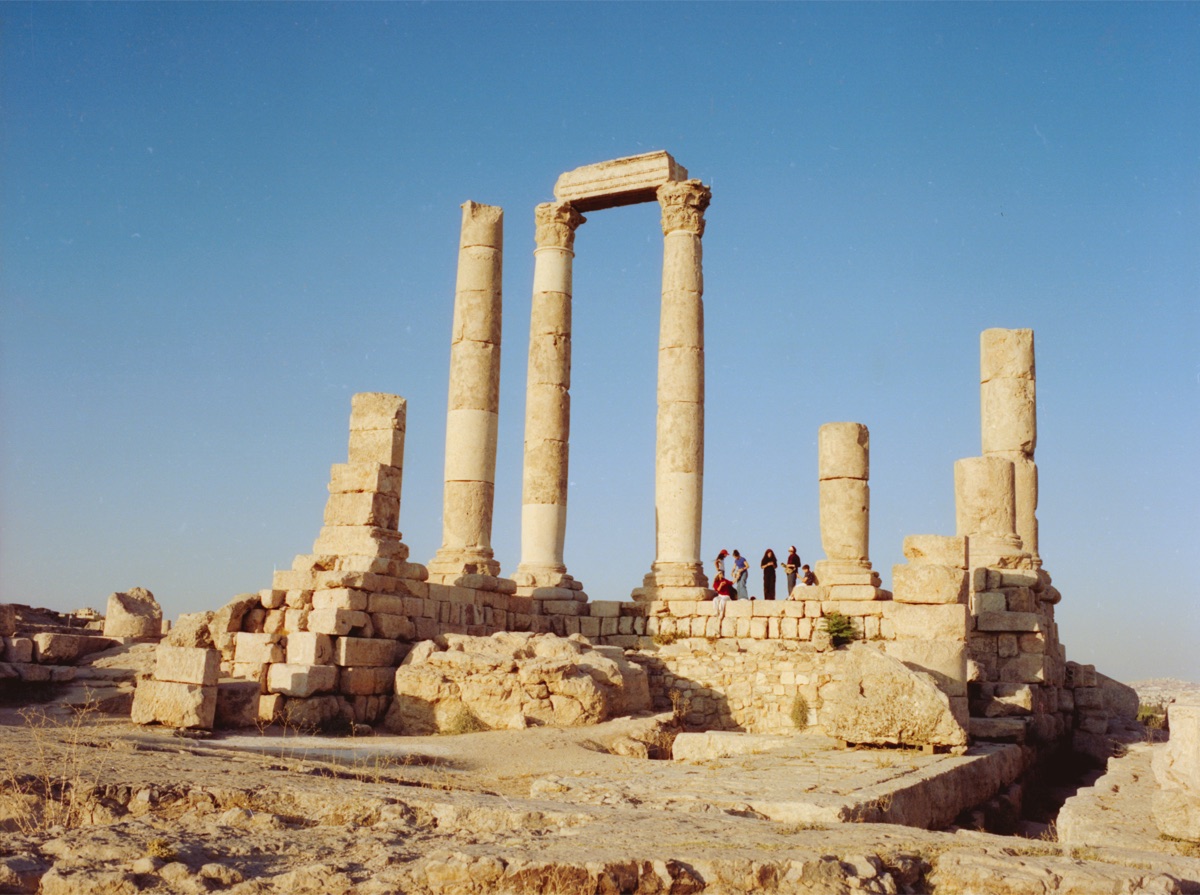
Real Film. Real Results.
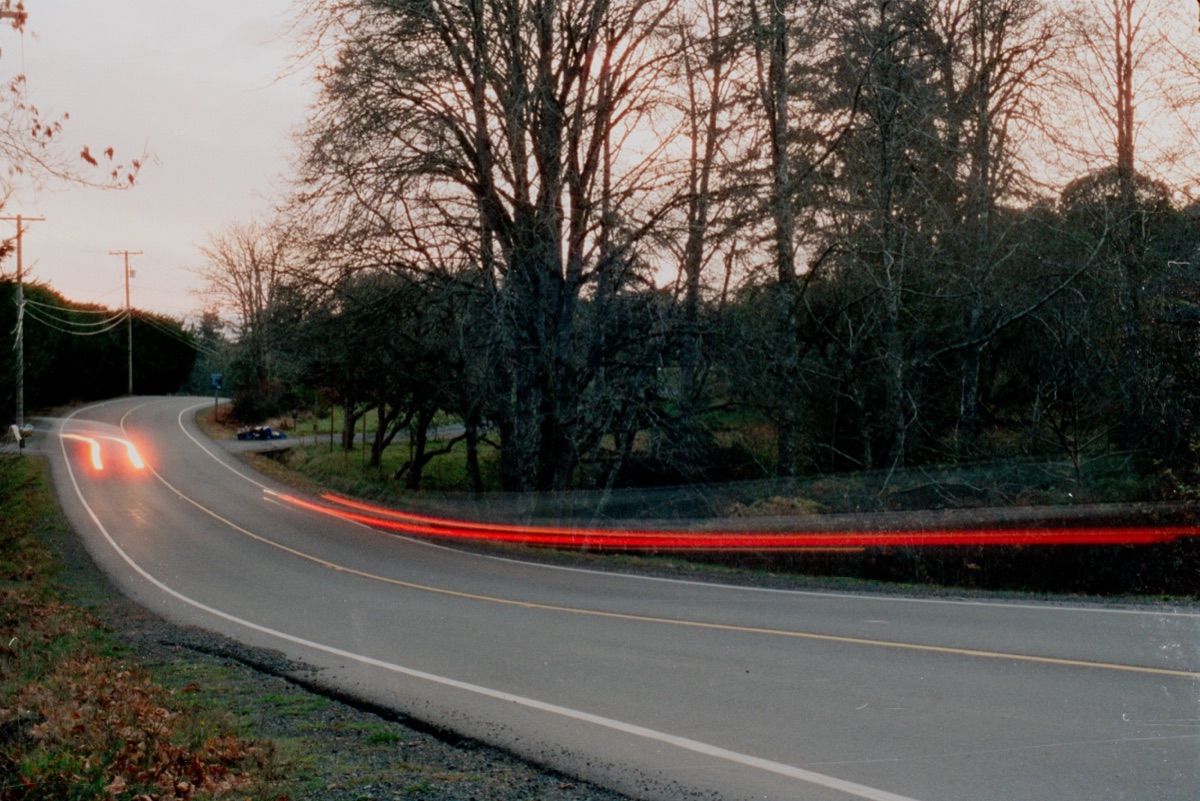
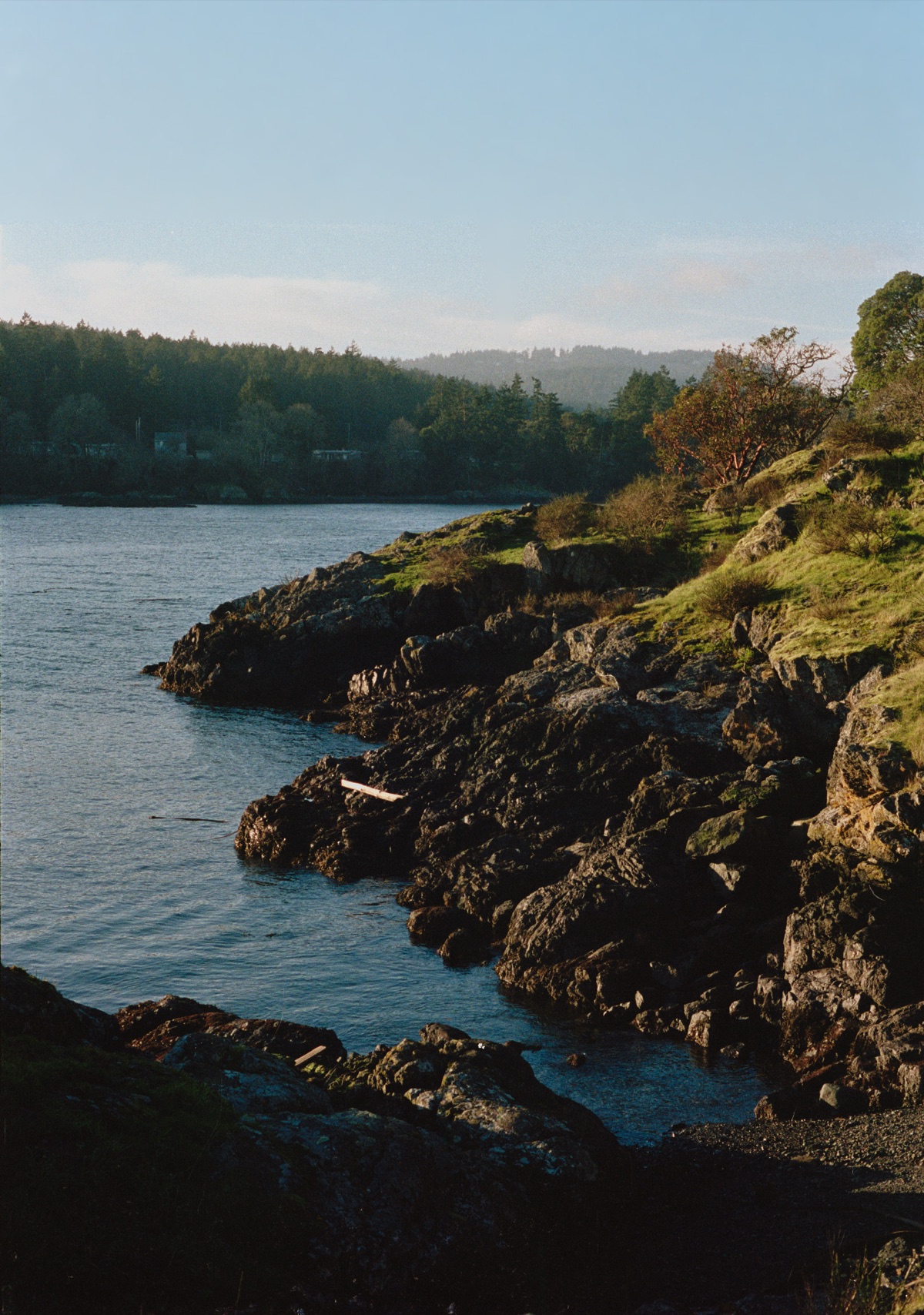
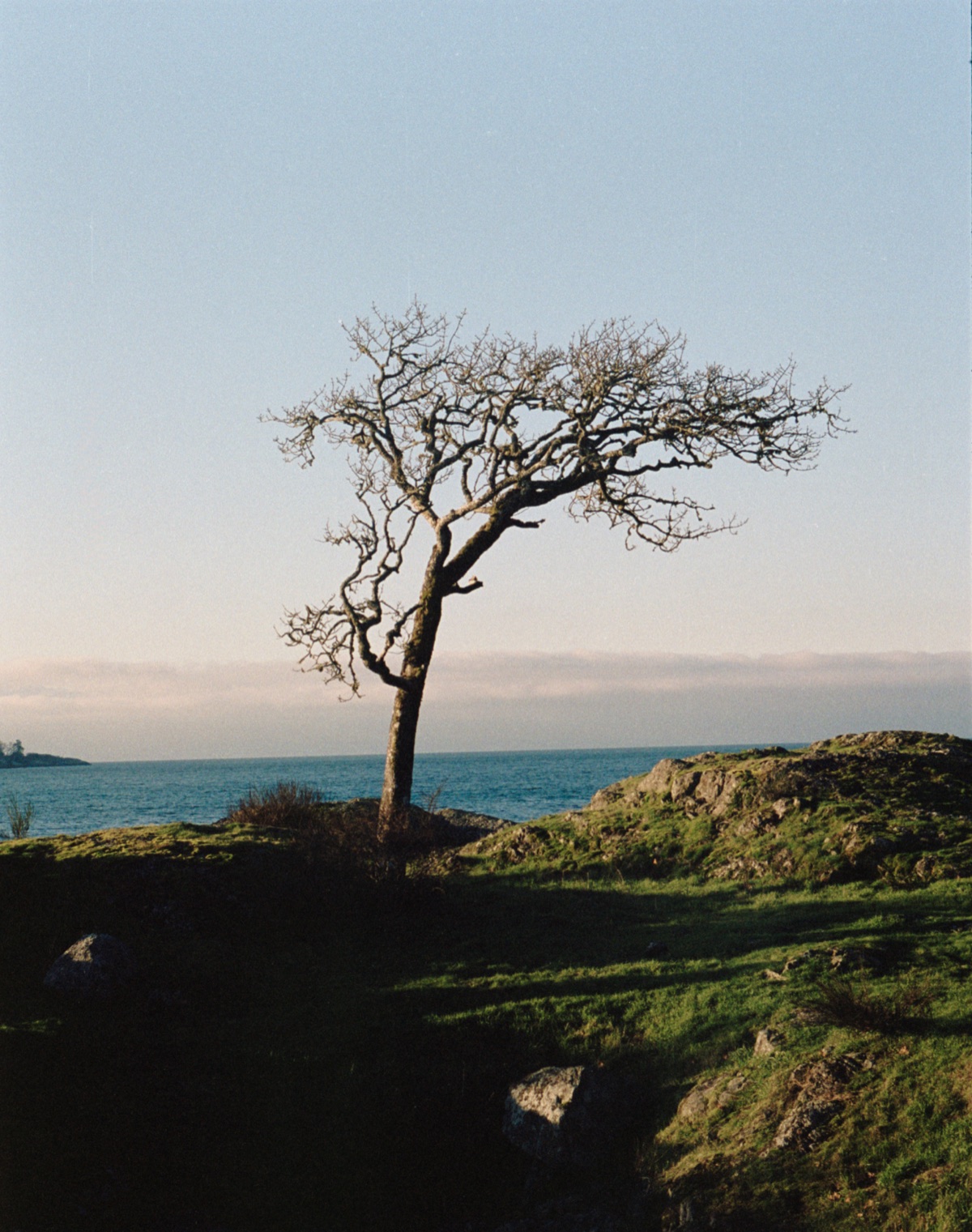
Every frame developed with EmberFilm — from raw negative to finished print.
Proven Results.
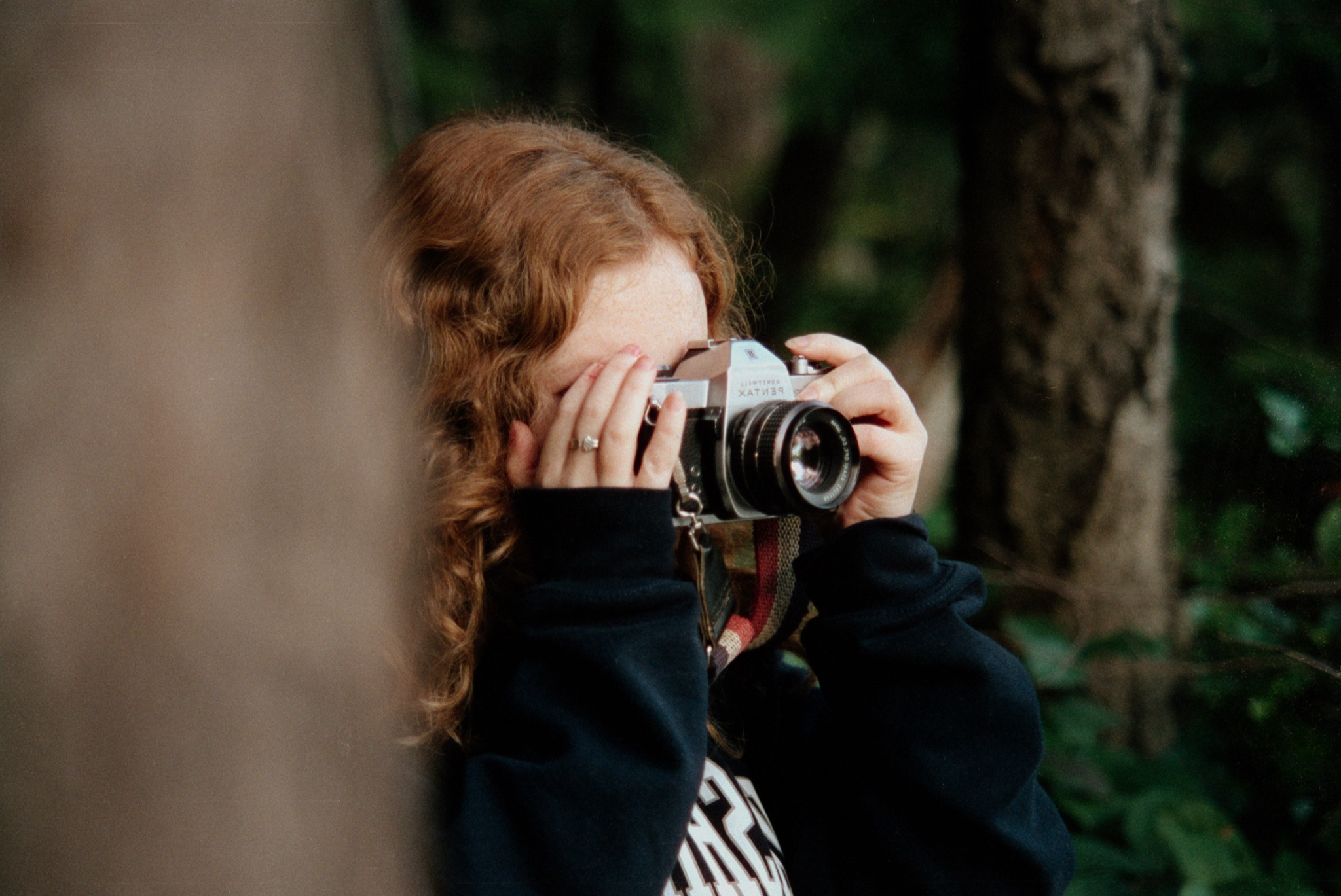
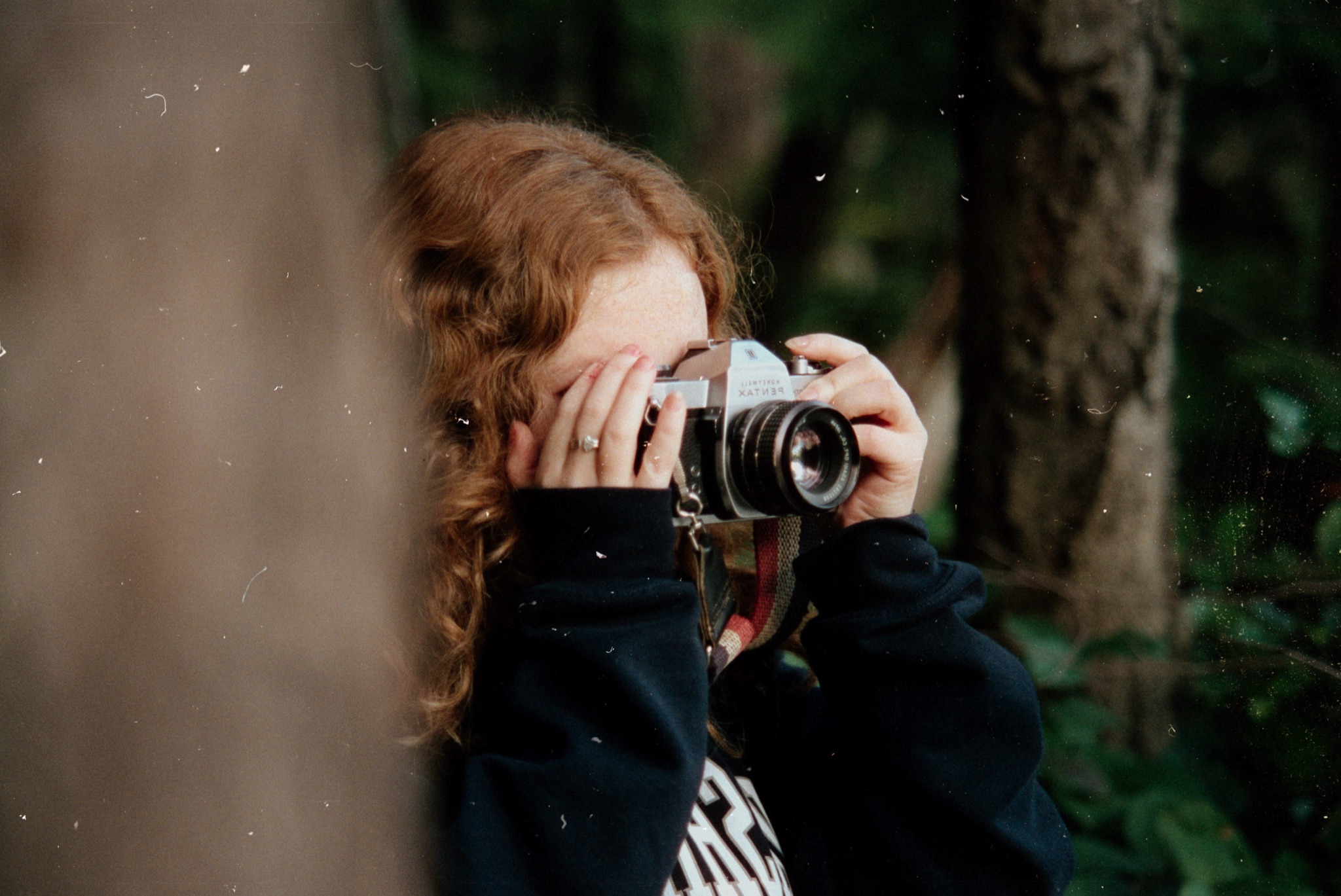
Slide to see how EmberFilm transforms raw scans into gallery-ready masterpieces.
Perfect Development
The Science of Inversion
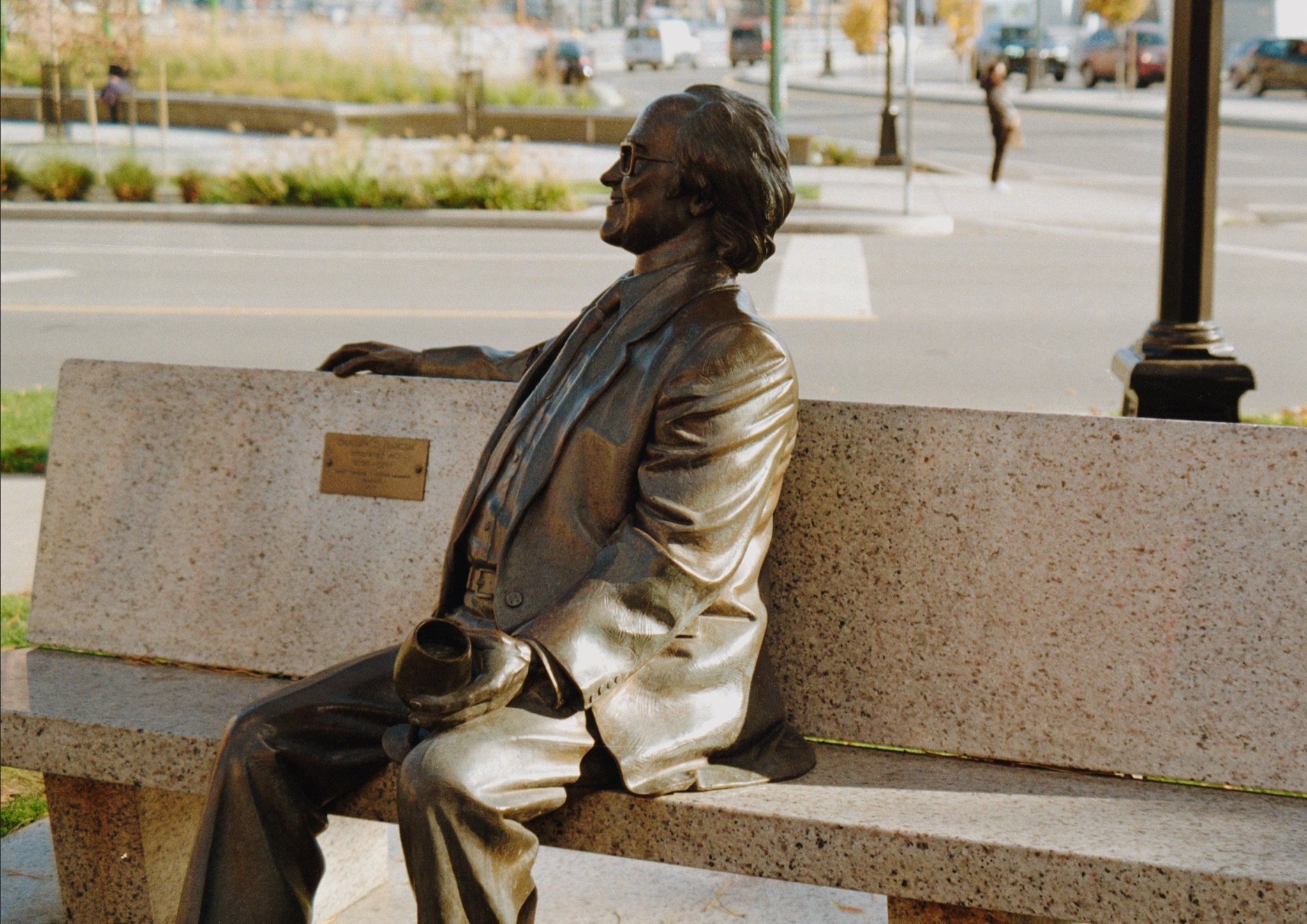
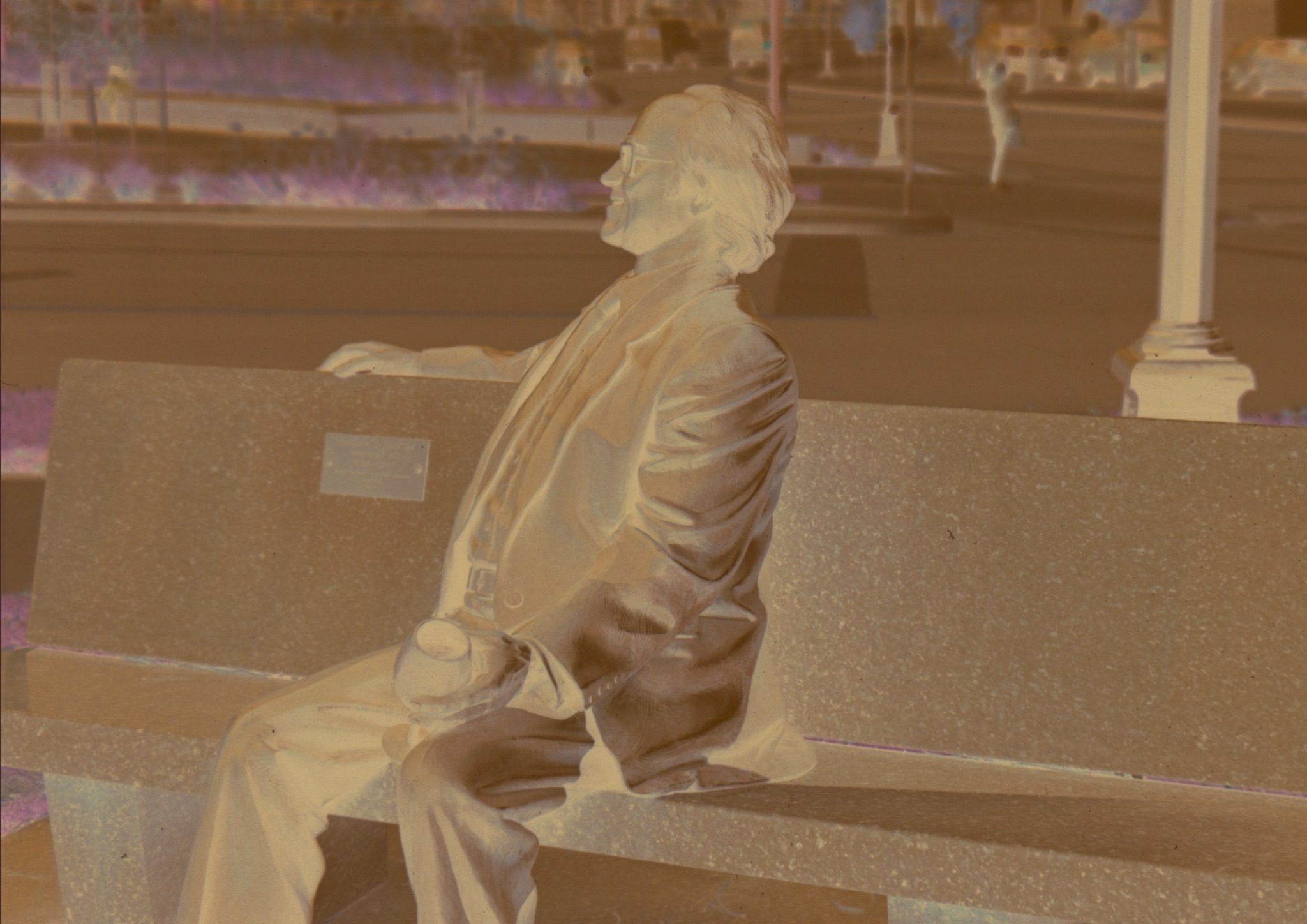
Immaculate Clarity
Intelligent Dust Suppression
EmberFilm pricing:
- EmberFilm Monthly: $8.99, recurring, up to 2 devices, 7-day free trial.
- EmberFilm 1.0 License: $149.99, one-time purchase, up to 2 devices.
Try EmberFilm
for free.
Then choose a one-time license or monthly subscription when you're ready.
Try for freeEverything you need to know.
How EmberFilm converts your scans, what it runs on, and how licensing works.
The app
What is EmberFilm?
EmberFilm is a native macOS app that turns scanned film into finished photographs. It converts color negative, black-and-white, and slide film scans into positive images, then provides a full darkroom-style editing workflow covering color, tone, curves, print looks, dust removal, and batch export in one standalone application. EmberFilm requires macOS 26 or later.
Is EmberFilm a Lightroom or Photoshop plugin?
No. EmberFilm is a standalone macOS application and does not require Lightroom, Photoshop, Capture One, or any plugin host. It reads your scan files directly and exports finished TIFF or JPEG files, so you can use it as your whole film workflow or hand its exports to another editor afterwards.
How does EmberFilm convert a film negative?
EmberFilm converts negatives with a math-driven inversion that simulates darkroom printing, not a generic invert-and-adjust filter. The conversion is physics informed: EmberFilm analyzes each scan to characterize the film itself, then models how that negative would print onto photographic paper, so tone and color follow the behavior of the material rather than arbitrary curves. You choose the film type, press Convert, and the solve runs on your Mac's GPU through Metal in a wide-gamut color-managed pipeline.
Can EmberFilm process an entire roll at once?
Yes. EmberFilm's Roll Conversion analyzes frames from the same roll as a group so they share a consistent baseline, with a choice of roll-level or frame-level analysis. You can also paste one frame's edits onto a multi-selection, save reusable presets, and export the whole project in one pass.
Editing
Can EmberFilm remove dust and scratches from scans?
Yes, in three steps. First, an AI model running entirely on your Mac detects dust across the frame. Second, you refine the resulting mask with a threshold slider and brush and eraser tools. Third, EmberFilm removes the dust, filling the masked areas while preserving the surrounding grain and texture. Your scans never leave your computer and are never used to train any model.
Do I need any other apps to go from scan to finished photo?
No. EmberFilm is built to be the only app a film photographer needs between a raw scan and a finished file, so there is no jumping between programs or paying for extra software to finish a roll. Conversion, color, tone, curves, dust removal, print looks, cropping, and batch export are all included. Everything is non-destructive: your work is saved in an .ember project that stores edits as instructions and links back to your originals, which are never modified or overwritten.
What editing tools does EmberFilm include?
EmberFilm organizes editing into four tabs. Color covers white balance, color density, saturation, vibrance, and advanced cast correction that neutralizes shadows, midtones, and highlights independently. Tone covers brightness, contrast, dynamic range, filmic response, lights, darks, whites, blacks, fade, and separate film, highlight, and shadow density. Finish covers master and per-channel RGB curves, an eight-band color mixer with maskable hue, chroma, and lightness, print looks, and sharpening. Dust-Off covers dust detection and removal. A separate crop mode adds film aspect ratios, rotation, flipping, a straightening ruler, and automatic crop detection.
What film finish looks does EmberFilm support?
EmberFilm includes Frontier, Noritsu, and Kodak print looks, which apply the color signature of a finished lab scan or darkroom print after your main edits. You can also import any standard .cube LUT as a custom look. Every look blends from subtle to full strength with an intensity slider.
Compatibility
What are EmberFilm's system requirements?
EmberFilm requires a Mac running macOS 26 (Tahoe) or later. It is a native Metal and SwiftUI application, and its conversion, editing, dust detection, and export all run on your own Mac. An iPad version is in development, and a Windows version is coming soon.
Which film scanners does EmberFilm work with?
EmberFilm works with scan files rather than scanner hardware, so any scanner works as long as it can save an image file. Flatbed scans, dedicated film scanner output, lab scans, and RAW files from DSLR or mirrorless camera scanning are all handled the same way. Import the files and choose the matching film type.
What file formats can EmberFilm import and export?
EmberFilm imports TIFF, JPEG, PNG, HEIC, GIF, BMP, and WebP, plus more than 60 common RAW formats from the major camera makers. It exports TIFF at 8-bit or 16-bit and JPEG at an adjustable quality, in a wide range of color spaces including sRGB and ProPhoto RGB, and can resize on export or keep the original resolution.
Does EmberFilm handle black-and-white and slide film?
Yes. EmberFilm has three film types: Color Negative for standard color negative scans, Positive for slide film and images that are already positive, and Black & White for monochrome negatives. Black-and-white conversions use the monochrome path and hide the color controls that do not apply, and the film type can be applied to an entire roll at once.
Pricing and account
Is there a free trial of EmberFilm?
Yes. Subscription packages that offer a trial give you the complete app free for the trial period before any charge. Create an account at emberfilm.app and choose the free-trial option at checkout. A trial can be used once per customer.
Is EmberFilm a subscription or a one-time purchase?
Both are offered, and you choose whichever fits. Current prices, device allowances, and trial lengths are listed on the pricing section at emberfilm.app. Payments are processed by Stripe.
What is the difference between the subscription and the one-time license?
A subscription renews on a billing cycle, keeps you current as EmberFilm is updated, and can be cancelled at any time. A one-time license is a perpetual grant for the major app version it covers, so it never expires and has no recurring charge. Both include a device allowance.
How many Macs can I use EmberFilm on?
Each package includes a device allowance, shown on its card on the pricing page and under Account, then Entitlements, at emberfilm.app. Your Mac enrolls automatically the first time you sign in to the app on it, so there is no manual activation step.
How do I sign in to EmberFilm on my Mac?
Choose Continue with Browser in the app, then sign in at emberfilm.app with your email and password or with a passkey, and access is handed back to the Mac app. If a purchase is not picked up right away, use the "I Already Purchased" refresh option on the sign-in screen.
How do I cancel an EmberFilm subscription?
Sign in at emberfilm.app, open Account, then Entitlements, and choose Manage to open the Stripe billing portal. A cancelled subscription stays active until the end of the current billing period, and the Entitlements page shows that date.